
Usuń osobę ze zdjęcia online za darmo dzięki AI
Z łatwością usuwaj ludzi z tła i usuwaj niechciane osoby ze zdjęć za pomocą naszego narzędzia do usuwania osób AI. Nie wymaga rejestracji, natychmiastowe wyniki.
Click to upload or drag image here
Zasada dla obrazów: 1 kredyt pozwala przetworzyć 3 obrazów
Supported formats: PNG, JPG, JPEG, WEBP
Maximum file size: 10MB
Po przesłaniu możesz ręcznie zaznaczyć obszary osób, które chcesz usunąć ze zdjęcia
Jak usunąć osobę ze zdjęcia
Usuń osobę ze zdjęcia w 3 prostych krokach
Prześlij obraz
Prześlij zdjęcie, które chcesz edytować. Obsługuje formaty JPG, PNG i WEBP.
Marka Osoba
Użyj pędzla, aby zaznaczyć osobę, którą chcesz usunąć ze zdjęcia.
Pobierz wynik
AI przetwarza Twój wizerunek i usuwa osobę. Natychmiast pobierz swoje czyste zdjęcie.
Dlaczego warto wybrać nasz program do usuwania osób AI
Najlepsze darmowe narzędzie online do usuwania osób ze zdjęcia
Precyzja oparta na sztucznej inteligencji
Zaawansowana technologia AI dokładnie wykrywa i usuwa ludzi ze zdjęć, zachowując jednocześnie jakość tła. Usuwanie osoby ze zdjęcia nigdy nie było łatwiejsze.
Bezpłatnie i online
Całkowicie darmowy. Żadnych pobrań, żadnych subskrypcji. Usuń osobę ze zdjęcia online za darmo w przeglądarce.
Nie wymaga logowania
Natychmiast zacznij usuwać osoby ze zdjęć. Nie ma potrzeby tworzenia konta ani logowania.
Wysoka jakość wydruku
Zachowaj oryginalną jakość obrazu. Nasz środek do usuwania osób AI zapewnia za każdym razem profesjonalne rezultaty.
Szybkie przetwarzanie
Usuń osobę ze zdjęcia w ciągu kilku sekund. Szybkie przetwarzanie AI dla natychmiastowych wyników.
Ochrona prywatności
Twoje zdjęcia są przetwarzane w sposób bezpieczny i usuwane po przetworzeniu. Gwarantowana pełna prywatność.
Zobacz magię
Zobacz niesamowite wyniki naszej technologii usuwania osób AI


Usunięcie osoby ze zdjęciem z podróży
Doskonale usuń turystów i nieznajomych ze zdjęć z podróży. Rób czyste zdjęcia zabytków bez tłumów.
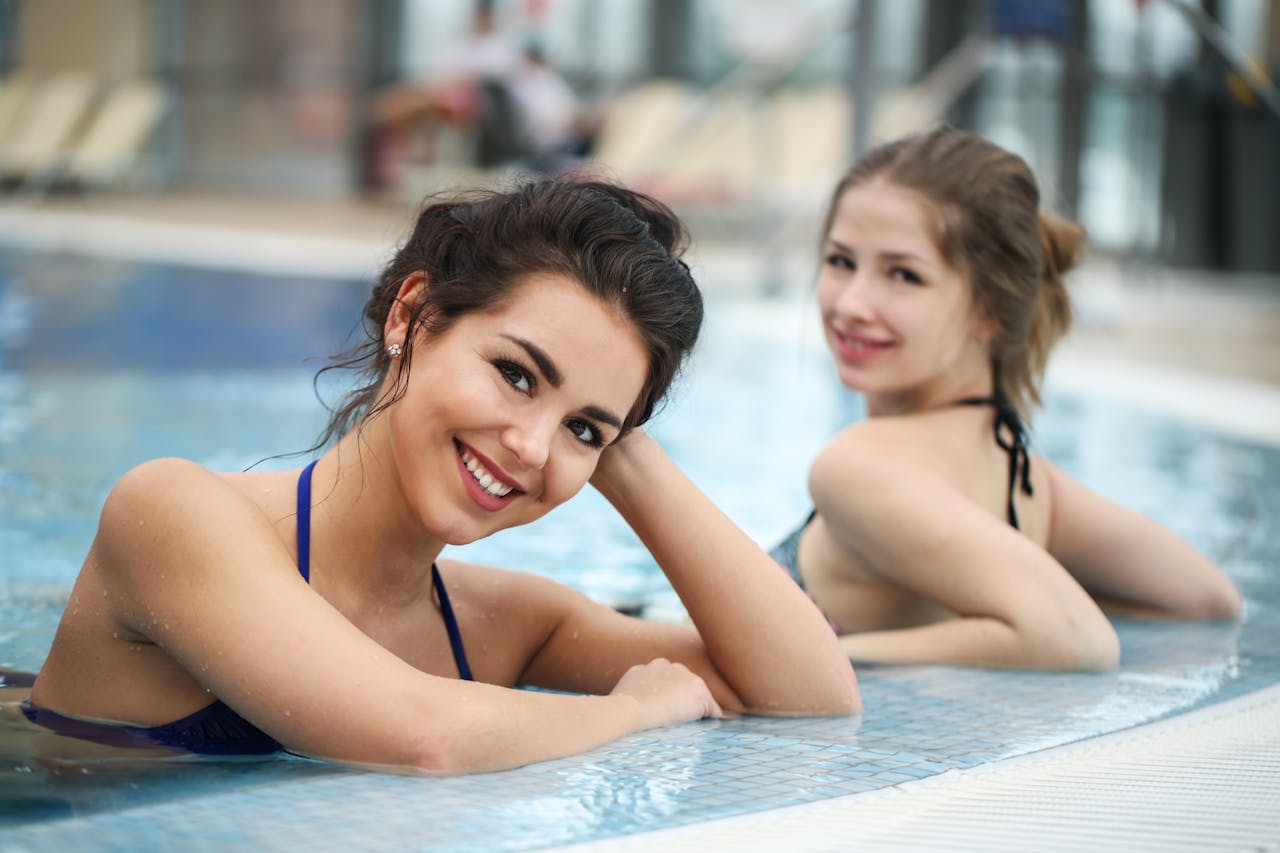
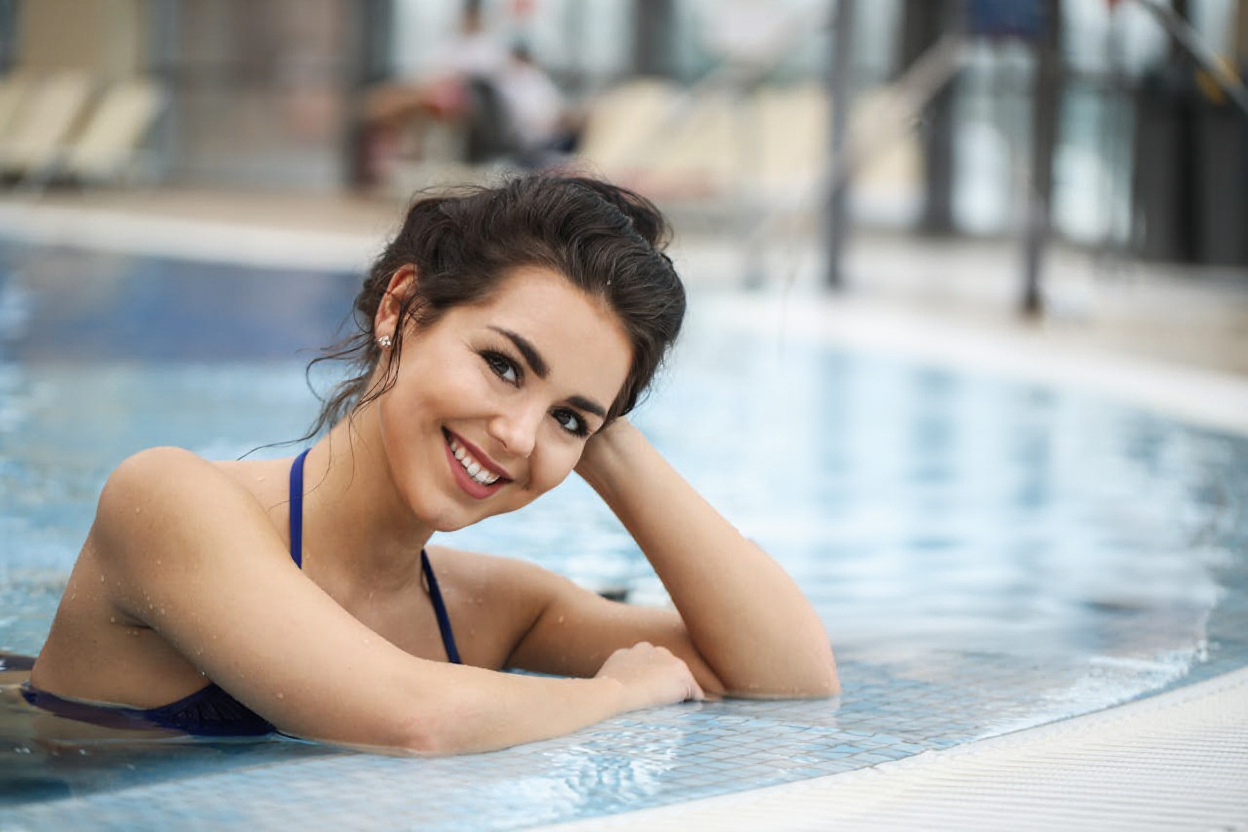
Usunięcie osoby tła
Inteligentnie usuwaj osoby z tła, aby podkreślić główny obiekt.
Wszystkie przykłady przetworzone przy użyciu naszej sztucznej inteligencji usuwają osobę z technologii fotograficznej. Rzeczywiste wyniki mogą się różnić w zależności od jakości obrazu i złożoności osoby.
Idealny do każdego scenariusza
Usuń osobę ze zdjęcia w dowolnym celu
Fotografia podróżnicza
Usuń turystów i nieznajomych ze swoich zdjęć z podróży. Rób czyste zdjęcia zabytków bez tłumów.
Nieruchomość
Usuń osoby ze zdjęć nieruchomości w celu uzyskania profesjonalnych ofert nieruchomości.
Fotografia produktów
Usuń osoby z tła, aby wyróżnić swoje produkty na zdjęciach e-commerce.
Zdjęcia rodzinne
Usuń niechciane osoby ze zdjęć rodzinnych i zachowaj wyjątkowe wspomnienia.
Media społecznościowe
Twórz czyste, profesjonalne zdjęcia na Instagram, Facebook i inne platformy społecznościowe.
Często zadawane pytania
Często zadawane pytania dotyczące usuwania osób ze zdjęć
W jaki sposób sztuczna inteligencja usuwa osobę z prac fotograficznych?
Czy naprawdę można usunąć osobę ze zdjęcia?
Jakie formaty obrazów są obsługiwane?
Ile czasu zajmuje usunięcie osoby ze zdjęcia?
Czy mogę usunąć wiele osób z jednego zdjęcia?
Czy będzie to miało wpływ na jakość obrazu?
Czy moje dane dotyczące zdjęć są bezpieczne i prywatne?
Czy muszę instalować jakieś oprogramowanie?
FAQ dotyczące rozliczania obrazów
Krótko o tym, jak liczone i rozliczane jest przetwarzanie obrazów
Zacznij już teraz usuwać osoby ze zdjęć
Bezpłatnie, szybko i bezpiecznie — spraw, by Twoje zdjęcia były idealne