
إزالة الأشخاص من الصور عبر الإنترنت مجانًا باستخدام الذكاء الاصطناعي
يمكنك مسح الأشخاص من الخلفية بسهولة، وحذف الأشخاص غير المرغوب فيهم من الصور باستخدام مزيل الأشخاص الذي يعمل بتقنية الذكاء الاصطناعي. لا يتطلب الاشتراك، نتائج فورية.
Click to upload or drag image here
قاعدة الصور: رصيد واحد يتيح لك معالجة 3 صورة
Supported formats: PNG, JPG, JPEG, WEBP, BMP
Maximum file size: 10MB
بعد التحميل، يمكنك تحديد مناطق الأشخاص التي تريد إزالتها من الصورة يدويًا
كيفية إزالة شخص من الصورة
قم بإزالة شخص ما من الصورة في 3 خطوات بسيطة
تحميل الصورة
قم بتحميل الصورة التي تريد تعديلها. يدعم صيغ JPG، PNG، وWEBP.
وضع علامة على الشخص
استخدم أداة الفرشاة لتمييز الشخص الذي تريد إزالته من الصورة.
تنزيل النتيجة
يعالج الذكاء الاصطناعي صورتك ويزيل الشخص. قم بتنزيل صورتك النظيفة على الفور.
لماذا تختار مزيل الأشخاص المدعم بالذكاء الاصطناعي الخاص بنا
أفضل أداة مجانية عبر الإنترنت لإزالة شخص من الصورة
الدقة المدعومة بالذكاء الاصطناعي
تكتشف تقنية الذكاء الاصطناعي المتقدمة الأشخاص بدقة وتزيلهم من الصور مع الحفاظ على جودة الخلفية. لم تكن إزالة الشخص من الصورة أسهل من أي وقت مضى.
مجاني وعبر الإنترنت
مجاني الاستخدام تمامًا. لا التنزيلات، لا الاشتراكات. إزالة شخص من الصورة عبر الإنترنت مجانًا في متصفحك.
لا يلزم تسجيل الدخول
ابدأ في إزالة الأشخاص من الصور على الفور. لا حاجة لإنشاء حساب أو تسجيل الدخول.
إخراج عالي الجودة
الحفاظ على جودة الصورة الأصلية. يضمن مزيل الأشخاص الذي يعمل بتقنية الذكاء الاصطناعي لدينا الحصول على نتائج احترافية في كل مرة.
معالجة سريعة
إزالة شخص من الصورة في ثوانٍ. معالجة سريعة بالذكاء الاصطناعي للحصول على نتائج فورية.
الخصوصية محمية
تتم معالجة صورك بشكل آمن ويتم حذفها بعد معالجتها. الخصوصية الكاملة مضمونة.
شاهد السحر
شاهد النتائج المذهلة لتقنية إزالة الأشخاص المدعومة بالذكاء الاصطناعي


إزالة صور السفر للأشخاص
إزالة السياح والغرباء تمامًا من صور السفر. احصل على لقطات واضحة للمعالم دون حشود.
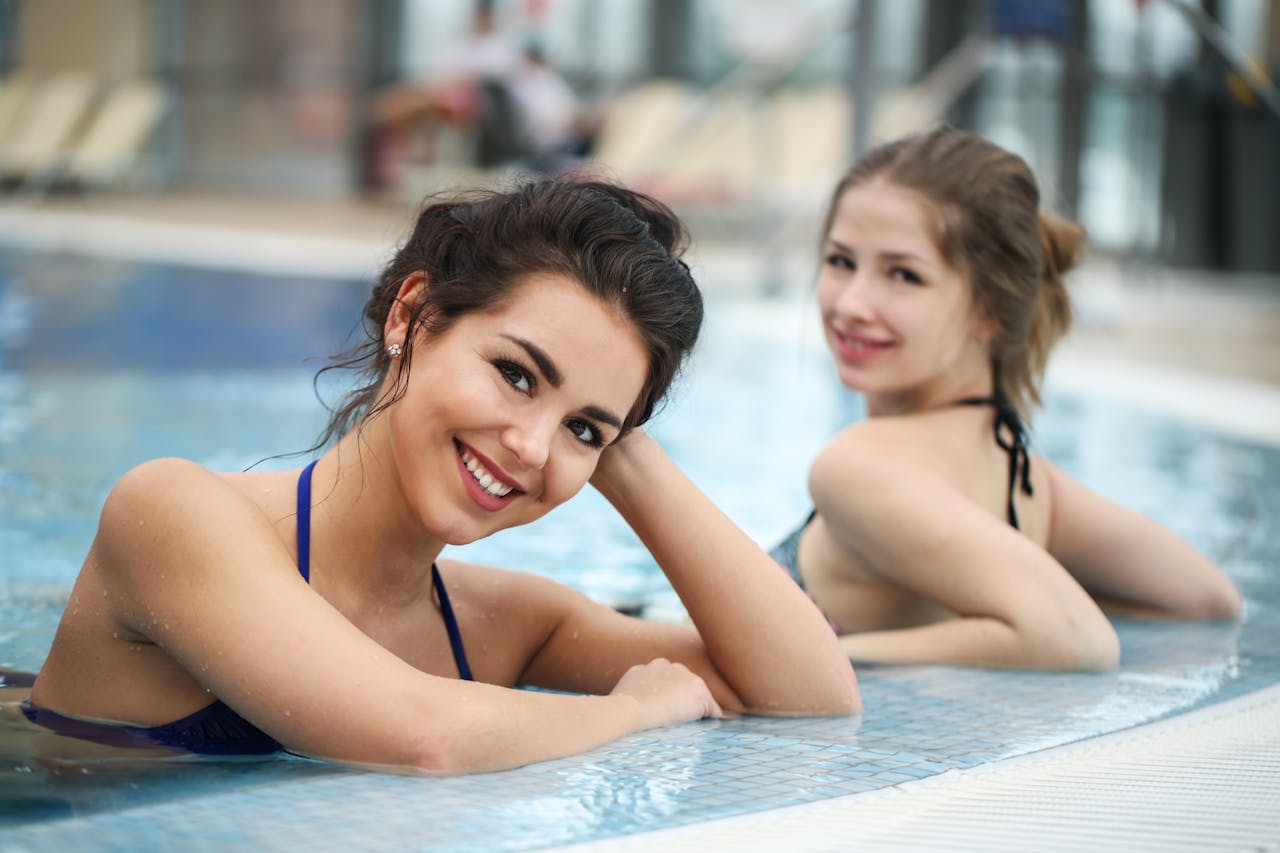
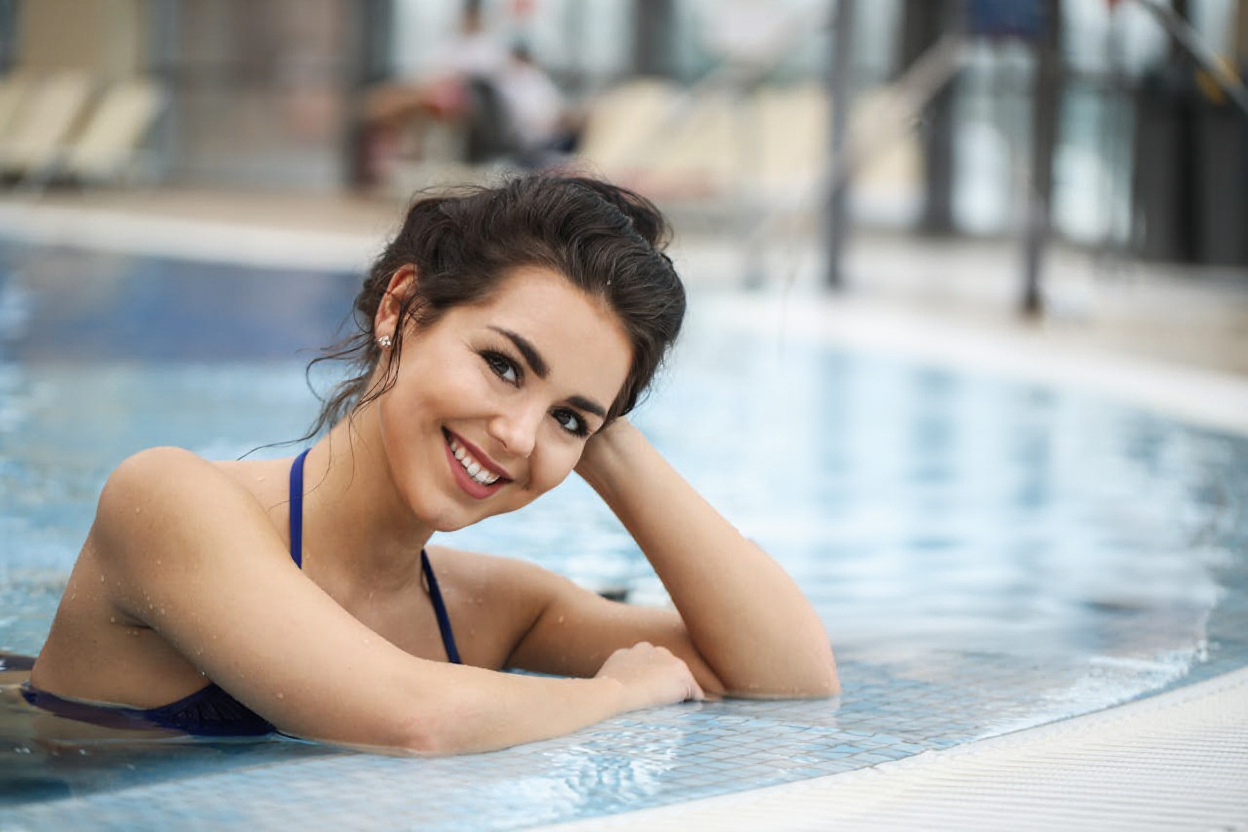
إزالة الأشخاص في الخلفية
قم بإزالة الأشخاص من الخلفية بذكاء لتسليط الضوء على الموضوع الرئيسي.
جميع الأمثلة التي تمت معالجتها باستخدام الذكاء الاصطناعي لدينا تزيل الشخص من تقنية الصور. قد تختلف النتائج الفعلية بناءً على جودة الصورة وتعقيد الشخص.
مثالي لكل السيناريوهات
إزالة الشخص من الصورة لأي غرض
التصوير الفوتوغرافي للسفر
أزل السائحين والغرباء من صور سفرك. احصل على لقطات واضحة للمعالم دون حشود.
العقارات
حذف الأشخاص من صور العقارات لقوائم العقارات الاحترافية.
تصوير المنتج
يمكنك مسح الأشخاص من الخلفية لتسليط الضوء على منتجاتك في صور التجارة الإلكترونية.
صور العائلة
إزالة الأشخاص غير المرغوب فيهم من الصور العائلية والاحتفاظ بالذكريات الخاصة.
وسائل التواصل الاجتماعي
قم بإنشاء صور نظيفة واحترافية لـ Instagram وFacebook ومنصات التواصل الاجتماعي الأخرى.
الأسئلة الشائعة
أسئلة شائعة حول إزالة الأشخاص من الصور
كيف يقوم الذكاء الاصطناعي بإزالة الشخص من عمل الصورة؟
هل من الممكن حقًا إزالة شخص من الصورة؟
ما هي تنسيقات الصور المدعومة؟
ما المدة التي تستغرقها إزالة شخص ما من الصورة؟
هل يمكنني إزالة عدة أشخاص من صورة واحدة؟
هل ستتأثر جودة الصورة؟
هل بيانات صورتي آمنة وخاصة؟
هل أحتاج إلى تثبيت أي برنامج؟
الأسئلة الشائعة حول فوترة الصور
شرح سريع لكيفية احتساب ومعالجة رسوم الصور
ابدأ في إزالة الأشخاص من الصور الآن
مجاني وسريع وآمن - اجعل صورك مثالية